

Get started
1
Add the connector
Open Etherscan in Claude’s connector directory, sign in to Claude, and select Connect to Claude.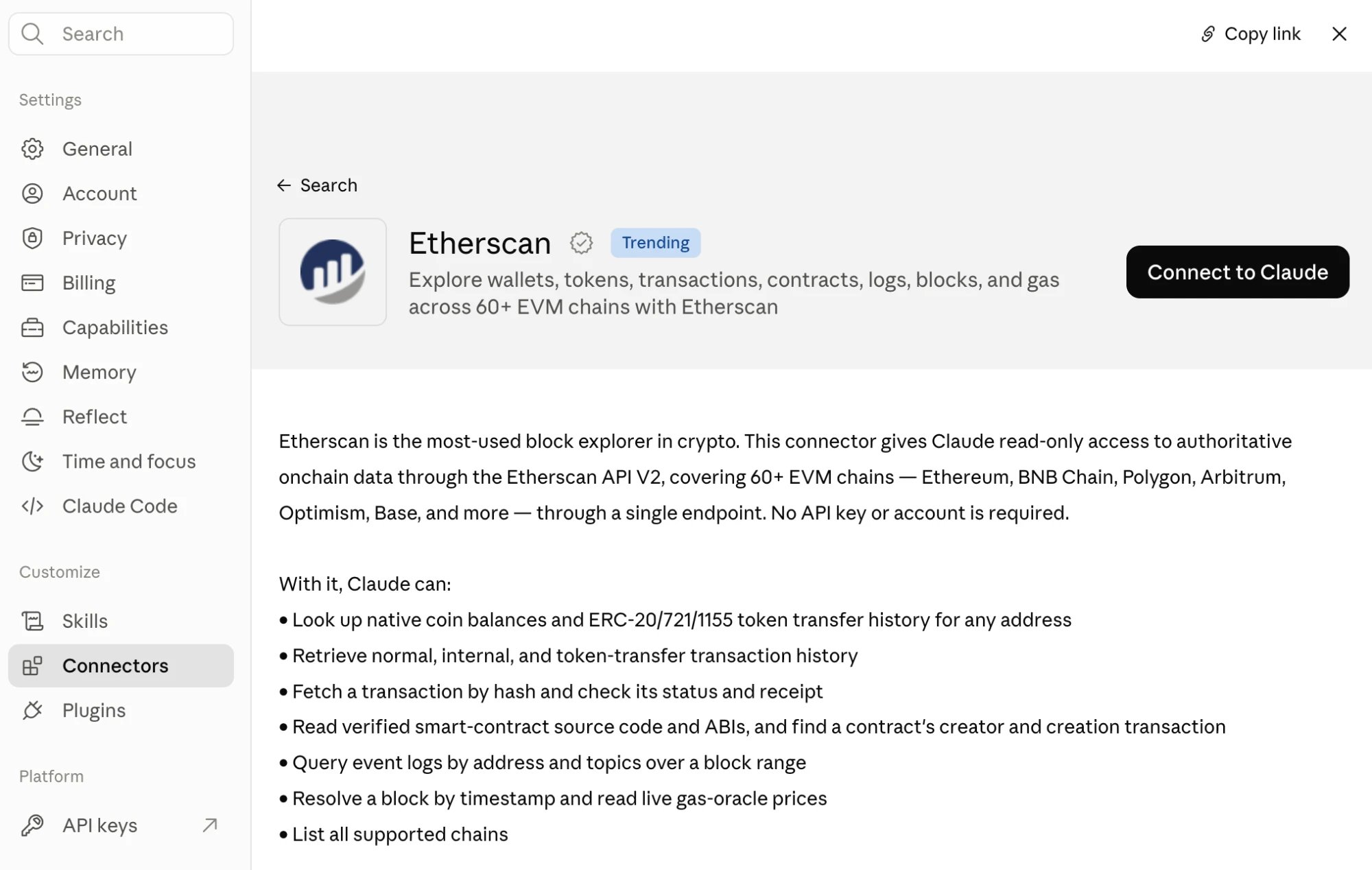
2
Ask your first question
Start a new chat and ask in plain language:In this example, Claude calls three Etherscan tools: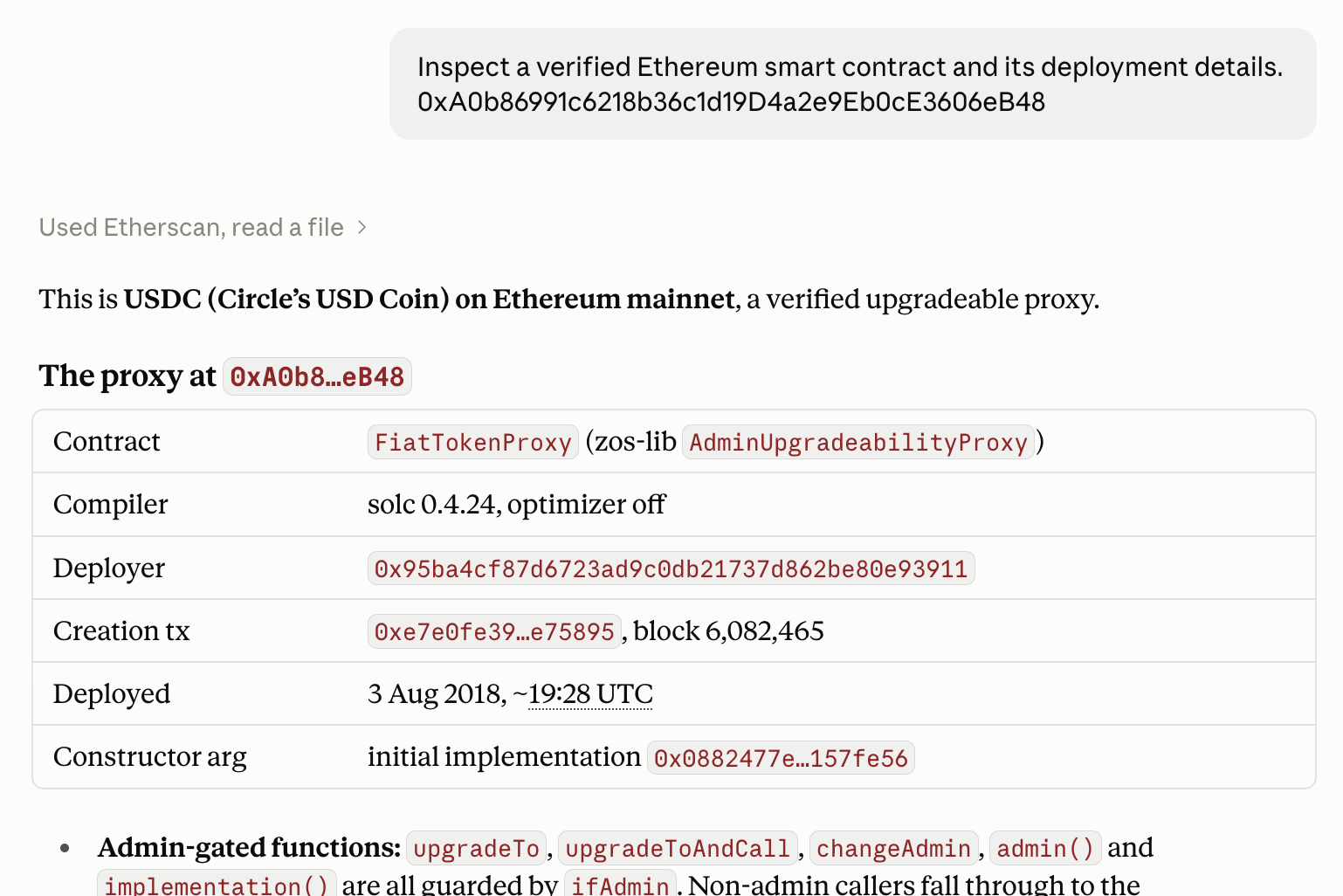
get_contract_sourcefor the verified source code and metadataget_contract_creationfor the deployer and creation transactionget_contract_abifor the contract’s ABI
What you can ask
Ask in plain language. Claude picks the right Etherscan tools for:- Native coin balances and ERC-20, ERC-721, and ERC-1155 token transfers for any address
- Normal and internal transaction history
- A transaction’s details, receipt, and status
- Verified contract source code and ABI, plus a contract’s creator and creation transaction
- Event logs filtered by address and topics
- The block at a given time, current gas prices, and the list of supported chains
Limits
The connector uses the keyless Etherscan MCP server:- 16 read-only tools. The PRO tools are not included: token holdings, token info, top holders, funding source, and address labels.
- Rate limited. Its limits are separate from API plans.
Good to know
- Read-only. Every tool reads public onchain data. Nothing signs or sends a transaction.
- Verify what matters. Results keep exact addresses, hashes, and amounts, so you can check them on Etherscan.
- Guard against prompt injection. Be cautious when combining Etherscan with other connectors in the same chat.