

Docs MCP is for AI agents that search these docs while they build. No API key is needed, since it only reads public documentation.
Connection details
Point your MCP client at the server with these values. For guided, per-client setup, see Get started below.- Transport: Streamable HTTP.
- Authentication: none. The server reads only public documentation.
Get started
Pick your client below and follow it end to end.- Claude Desktop
- Claude Code CLI
- Codex Desktop
- Codex CLI
Claude Desktop is Anthropic’s desktop chat app.
1
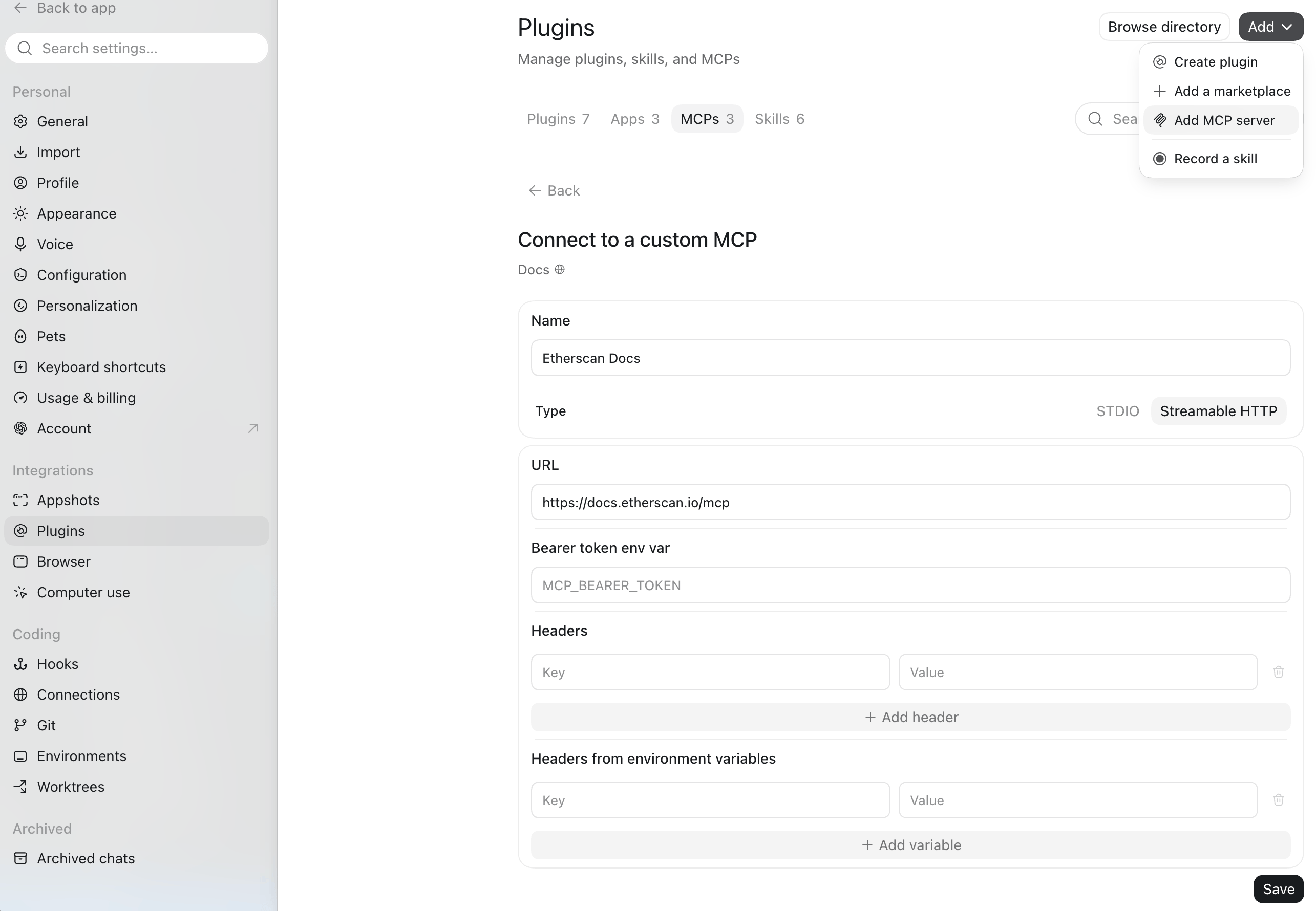
Add Docs MCP to your config
In Claude Desktop, open Settings > Developer > Edit Config to open the 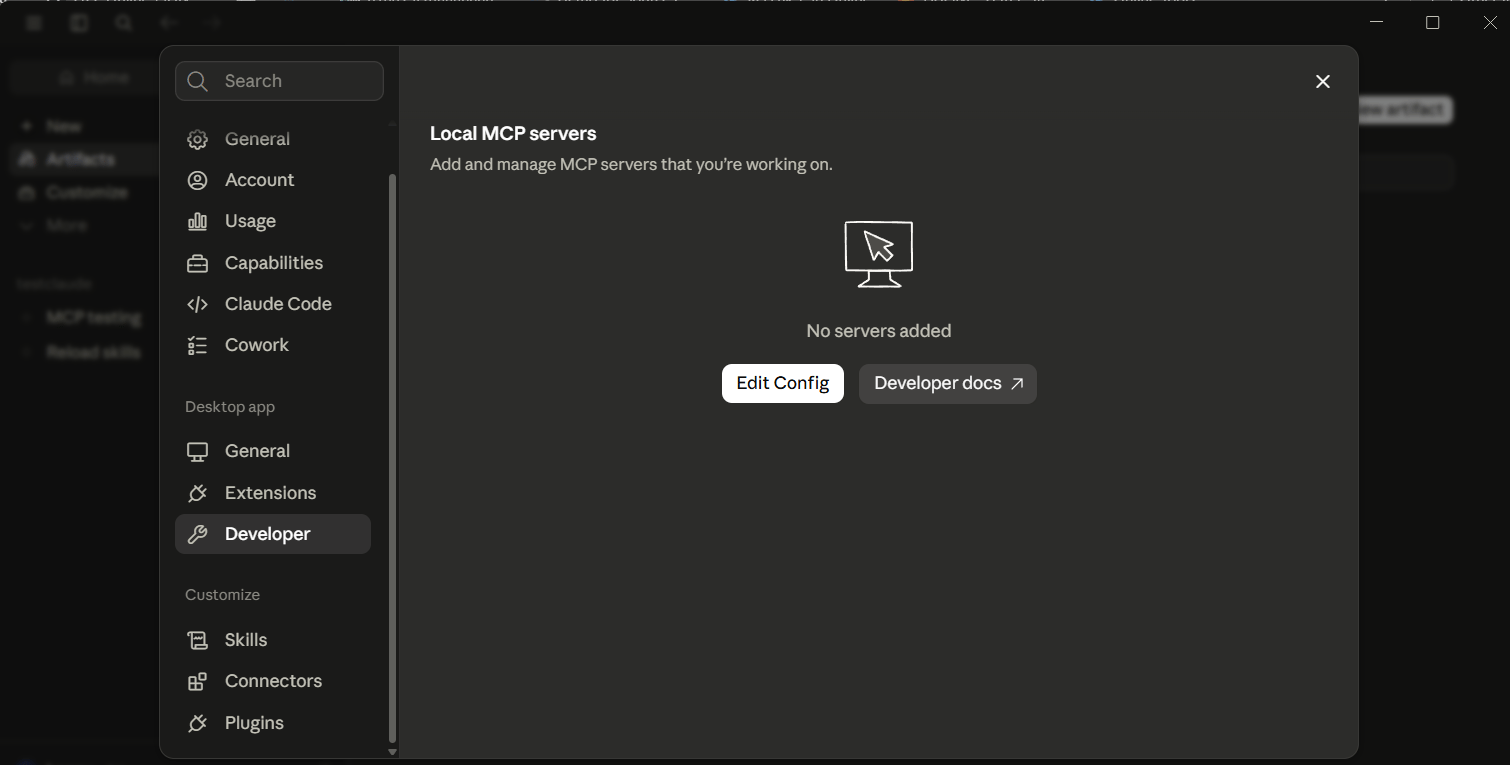
claude_desktop_config.json file.etherscan-docs server:claude_desktop_config.json
2
Confirm it's connected
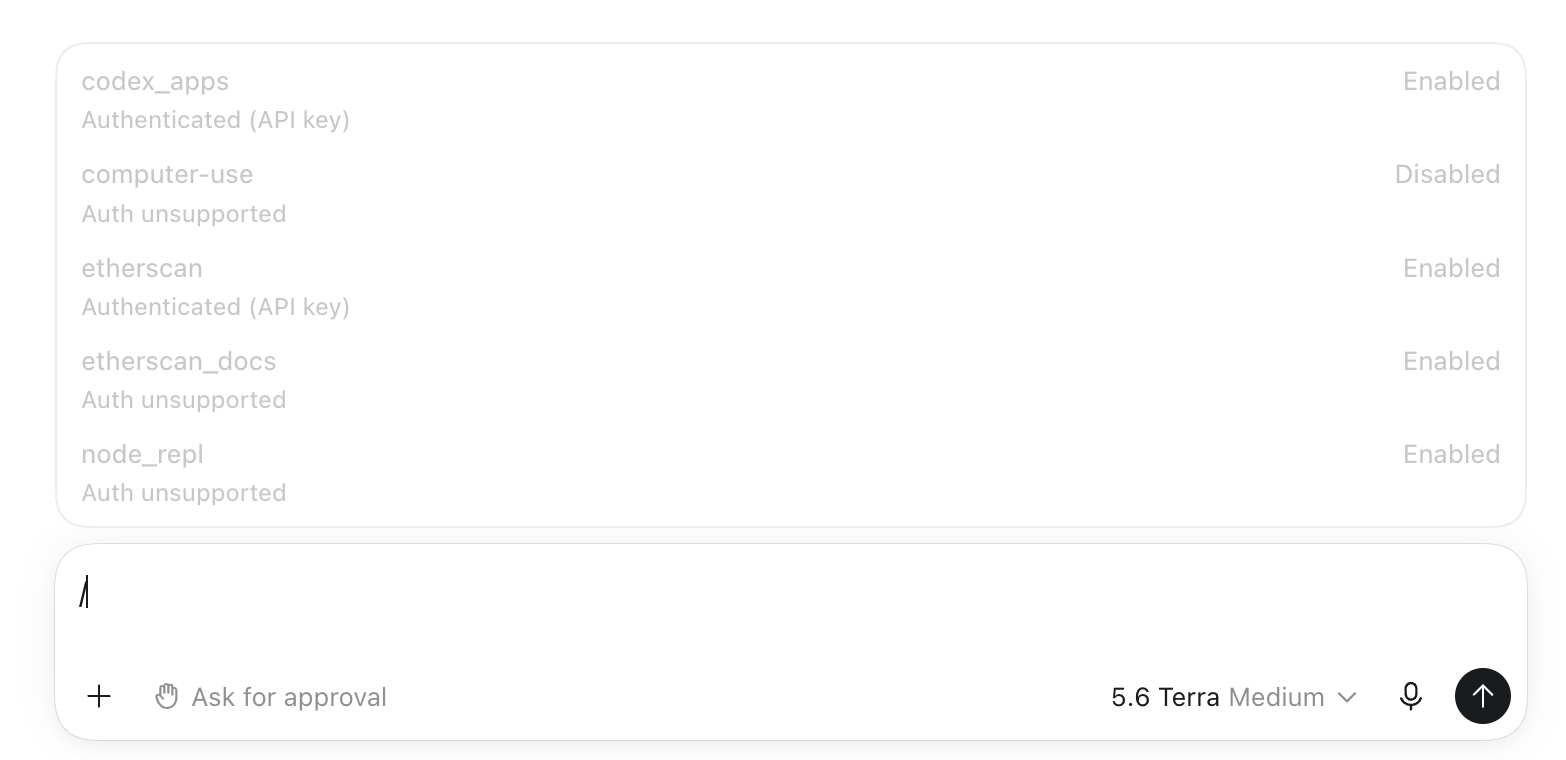
Save, then fully quit Claude Desktop and reopen it. Open Settings > Developer and look for 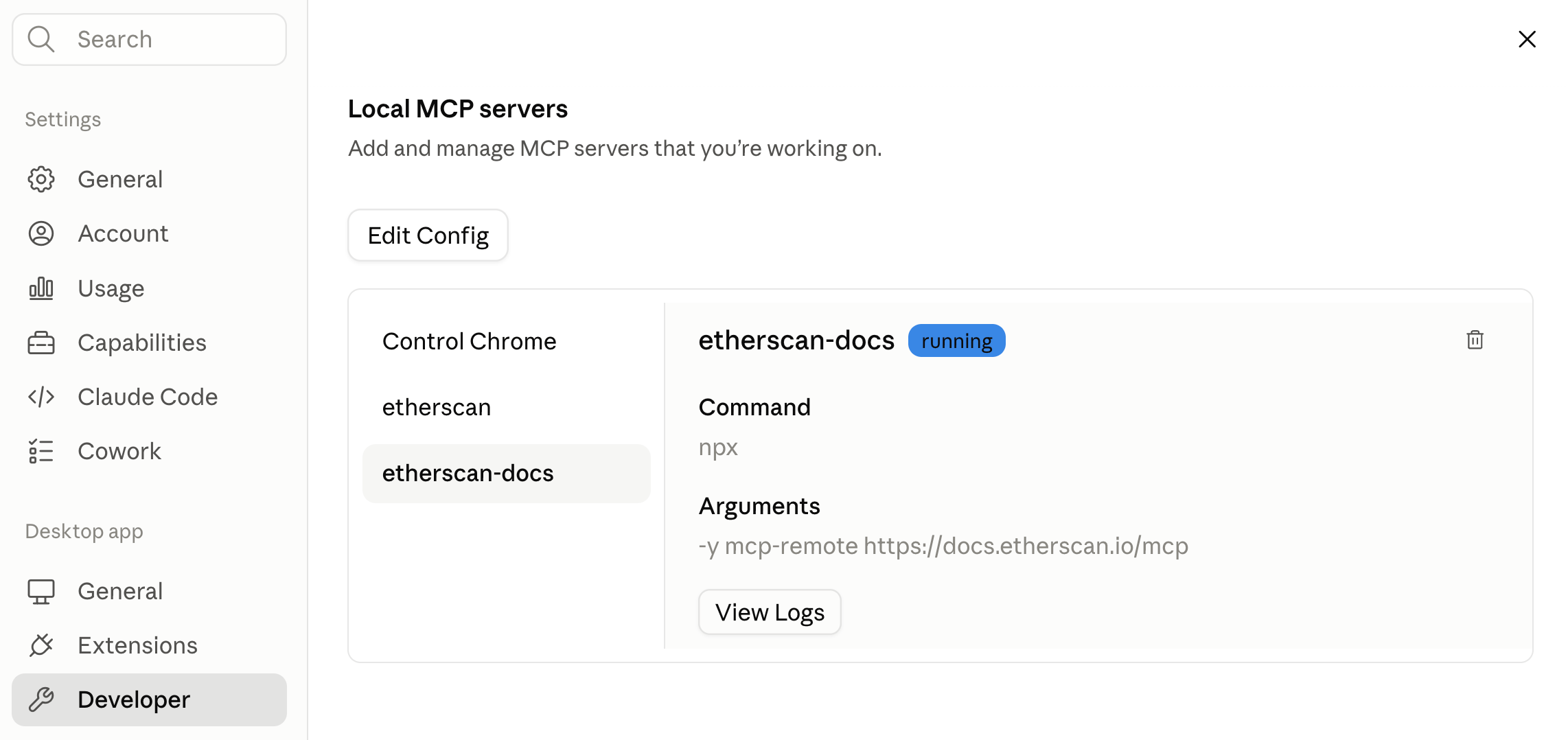
etherscan-docs under Local MCP servers with a running badge.3
Ask the docs
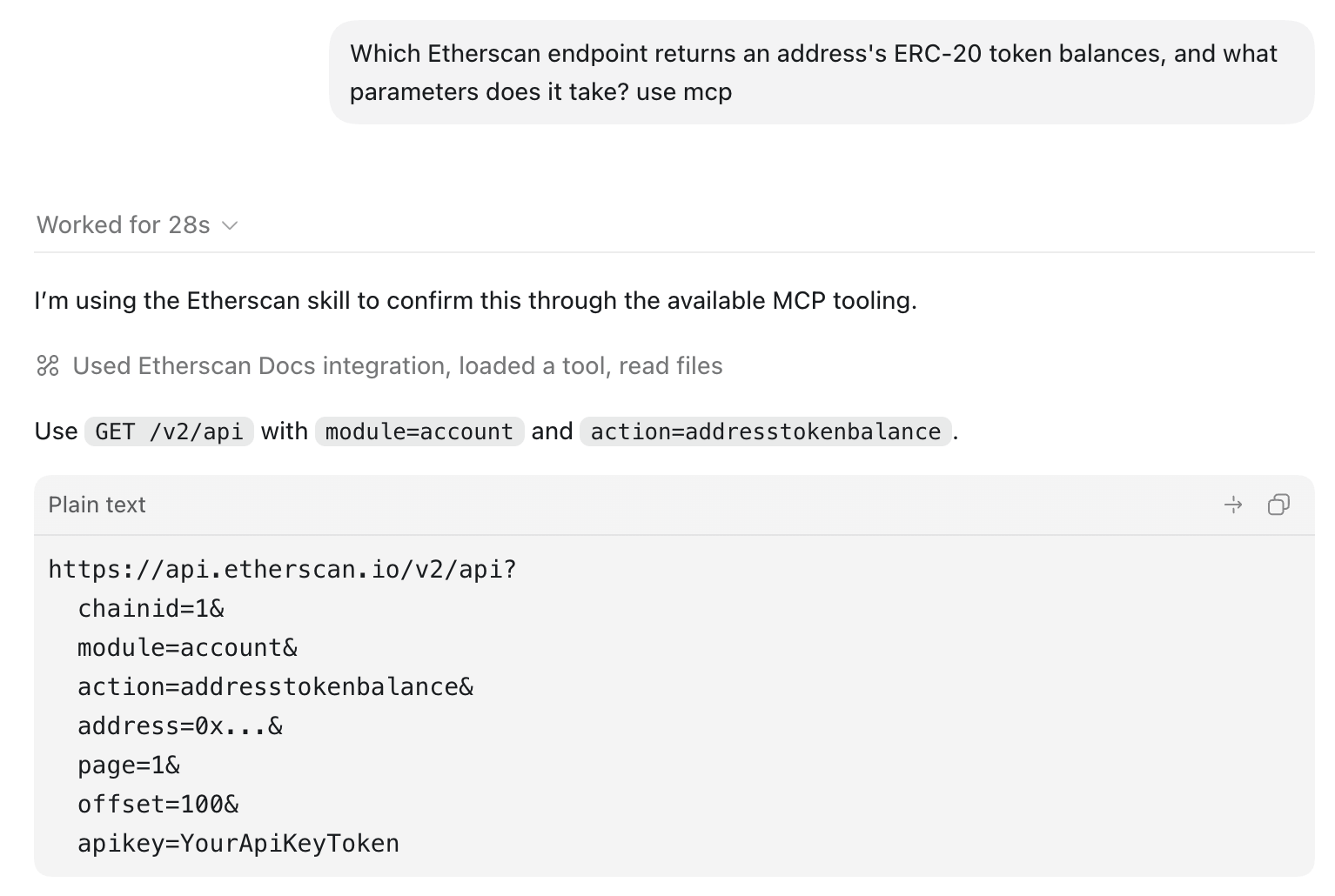
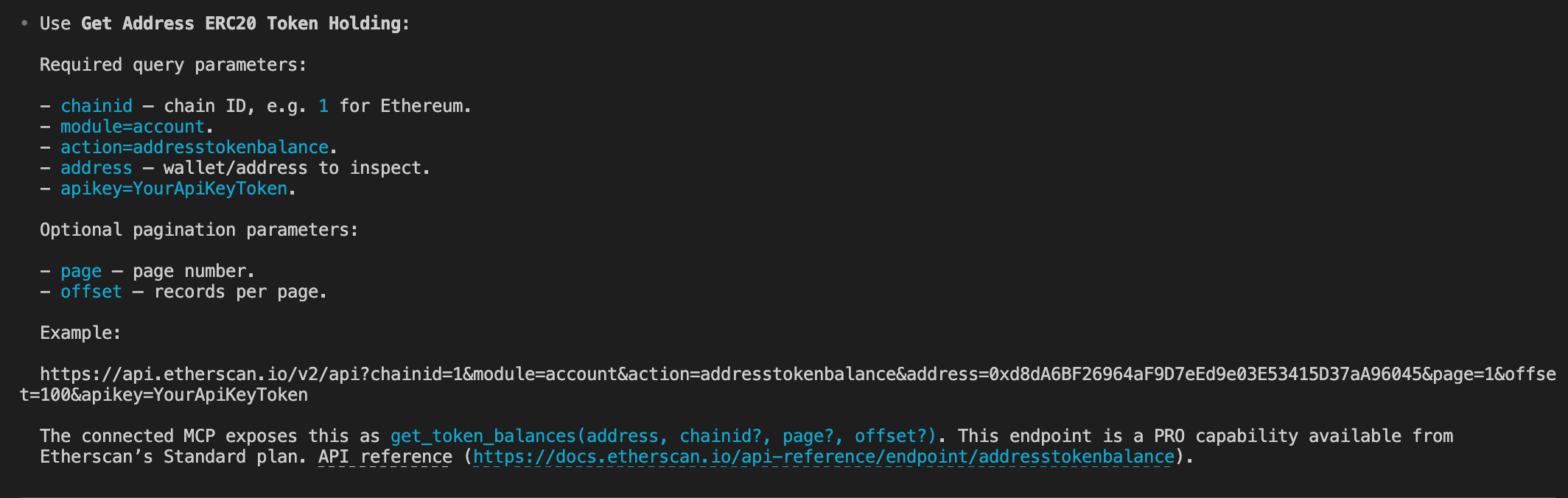
Ask a documentation question and let the agent search these pages:It calls 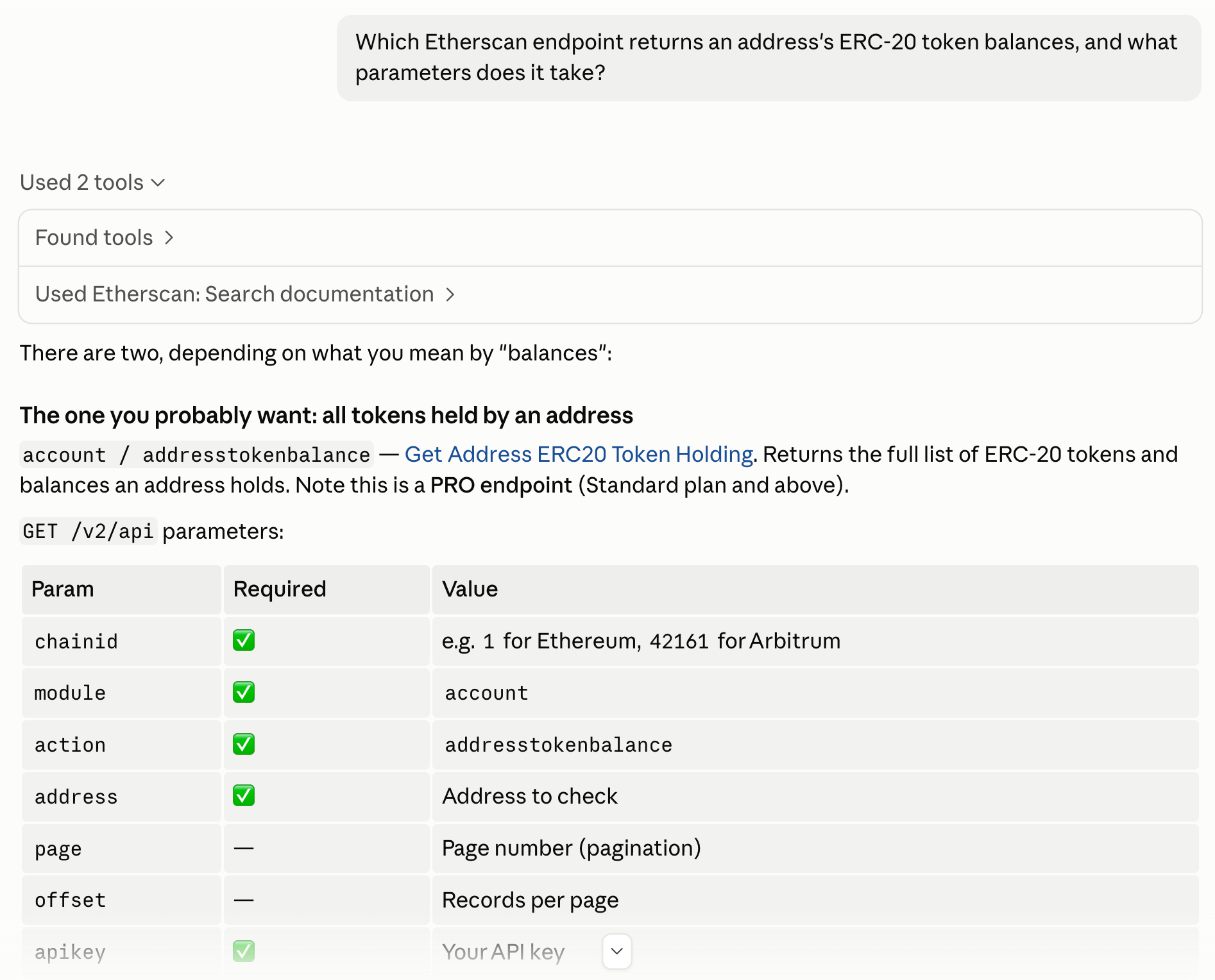
search_etherscan to find the account module’s addresstokenbalance action, reads its parameters and example, and answers with the correct request shape instead of guessing.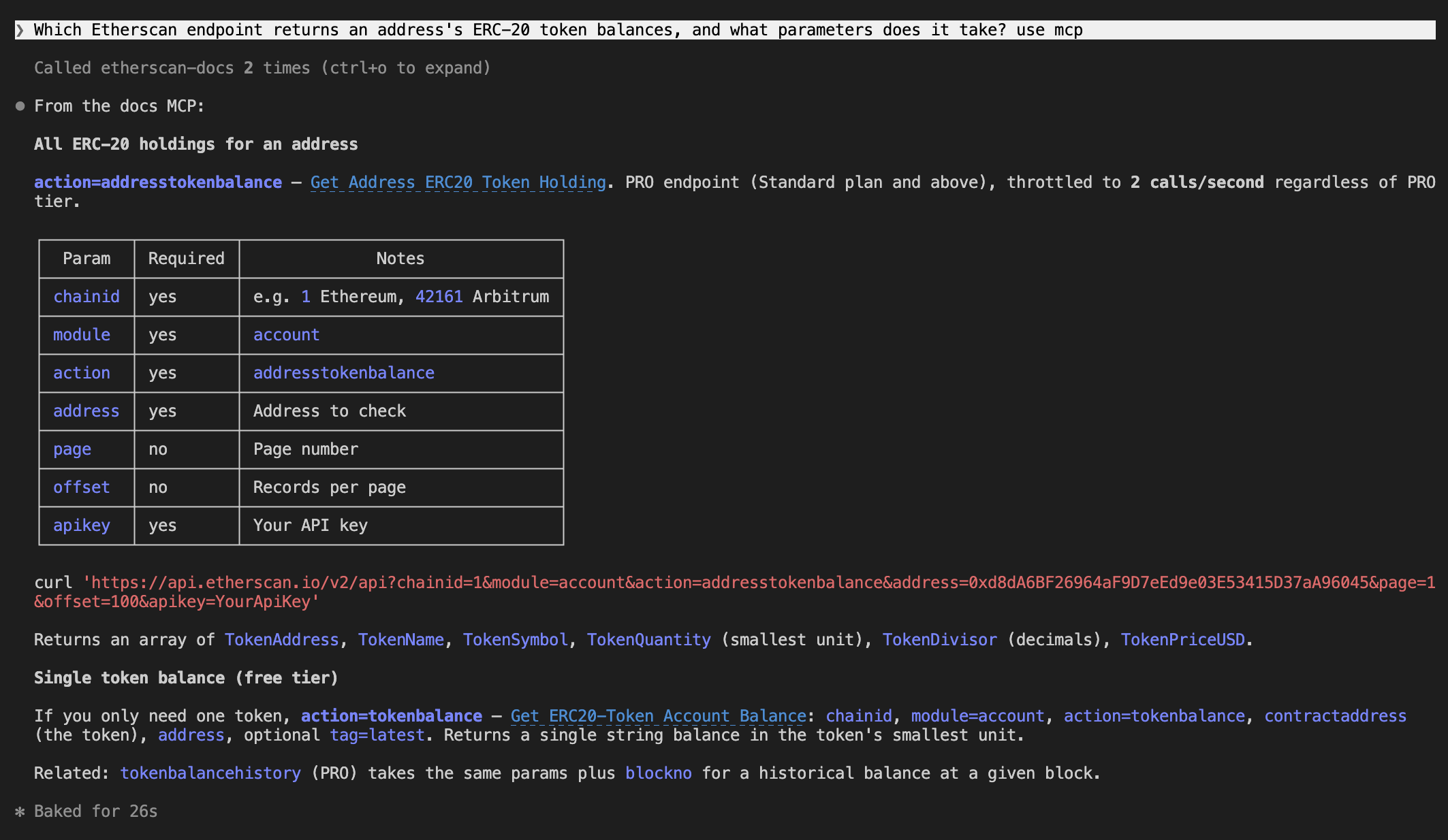
Example prompts
Ask a documentation question and let the agent search these pages. Copy one to try it:Tools
The server exposes 3 tools. The agent selects and calls them for you.Good to know
- No API key. The server reads only public documentation, so no key or auth header is needed.
- Read-only, with one exception. The search and query tools only read the docs.
submit_feedbacksends a report to the docs team. Nothing else writes. - Pair it with the data tools. The Docs MCP finds the right call. The Etherscan MCP or CLI makes it.
- Guard against prompt injection. Enable your client’s confirmation prompts, and be cautious when combining Docs MCP with other MCP servers in the same session.